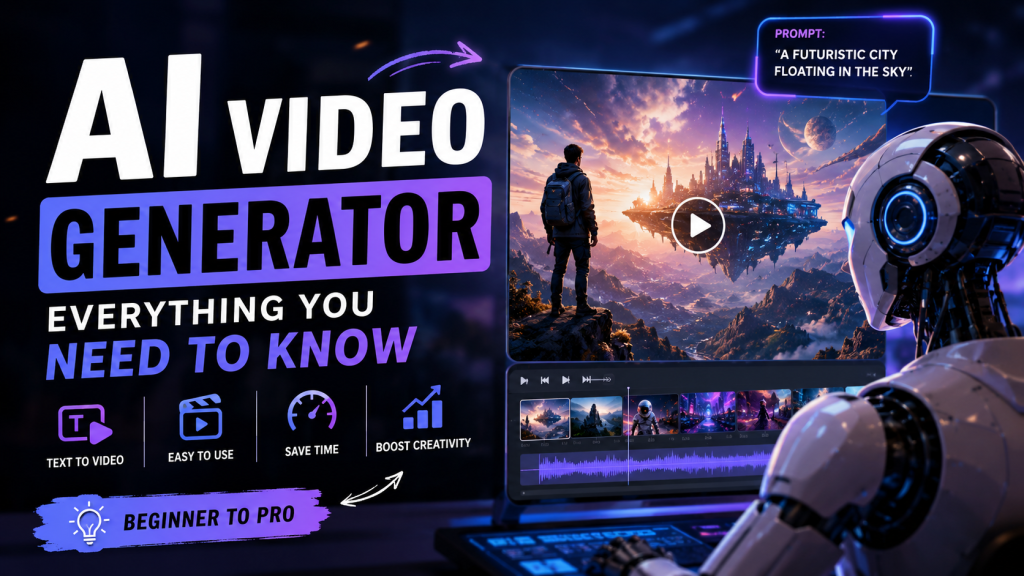
AI Video Generator:
Everything You Need to Know
From text prompts to cinematic 4K footage — how AI is completely reinventing video production in 2026
What Is an AI Video Generator?
An AI video generator is a software tool powered by artificial intelligence that creates video content automatically — either from a text prompt, an uploaded image, an existing video clip, or a full written script. Instead of spending hours inside a traditional editing suite, creators can now produce professional-grade videos in minutes by simply describing what they want to see.
These tools use a combination of large language models (LLMs), diffusion models, and transformer-based neural networks to interpret your input and render it as moving imagery. The result ranges from short social media clips and product demos all the way to full cinematic sequences with realistic physics, accurate lighting, and consistent character movement.
What makes 2026 different from even two years ago is the sheer leap in output quality. Earlier generations of AI video were visually interesting but practically limited — flickering faces, warping hands, objects that transformed mid-scene. Today’s leading platforms have solved most of those problems, and the gap between AI-generated video and traditionally filmed content has narrowed to the point where many viewers genuinely can’t tell the difference.
How Does AI Video Generation Work?
At its core, AI video generation is a multi-step process that blends several advanced technologies working in concert. Here is a plain-English breakdown of what actually happens under the hood when you hit “generate”:
1. Understanding Your Prompt
When you type a description like “a woman in a red coat walking through a rainy Tokyo alley at night,” the system’s language model first parses and encodes that natural language into a rich semantic representation. It understands context, mood, style references, camera-angle implications, and even unstated physical properties like how rain should behave on pavement under streetlights.
2. Diffusion-Based Visual Synthesis
The encoded prompt is fed into a diffusion model — the same family of models behind popular image generators like Stable Diffusion and Midjourney — but extended across the time dimension. Instead of producing a single image, the model iteratively “denoises” a sequence of frames, building up coherent motion frame by frame over multiple passes.
3. Temporal Consistency Engine
One of the hardest problems in AI video has historically been keeping objects looking the same from one frame to the next. In 2026, leading platforms solve this with what the industry calls World Models — AI systems trained specifically to understand real-world physics, causality, and object permanence. This is the reason modern AI videos no longer suffer from the eerie warping or morphing artefacts that plagued earlier tools.
4. Neural Radiance Fields (NeRF) for Lighting
Premium tools now use NeRF technology to simulate how light interacts with surfaces in three dimensions. This means that if you describe a sunset scene, the AI does not simply tint everything orange — it correctly calculates where shadows fall, how reflections appear on wet pavement, and how different materials such as skin, fabric, and metal respond uniquely to directional light sources.
Top AI Video Generator Tools in 2026
The market has consolidated around a handful of genuinely excellent platforms, each with a distinct strength and target audience. Here is an honest look at the frontrunners based on real-world testing and industry reports published in 2026:
The all-around best for realism. Exceptional prompt adherence, built-in ambient audio generation, and a scene-building workflow designed for cinematic filmmaking.
Best overallTop pick for filmmakers. Multi-Motion Brush, precise camera controls (pan, tilt, zoom), ProRes export, and custom model training for brand consistency.
Best for prosAvatar-driven video with 175+ language lip-sync, full automation via Video Agent (powered by Sora 2 and Veo 3.1), and an enterprise-grade business workflow.
Best for businessSocial-first creative tool with signature AI effects (inflate, melt, explode) and Sound-to-Video sync technology that times character motion to uploaded audio tracks.
Best for socialThe enterprise standard for L&D and corporate training content. FOCA framework ensures pedagogically sound videos; Express-2 avatars handle gestures naturally.
Best for trainingCinematic B-roll specialist with keyframe interpolation. Upload start and end frames and let the AI generate smooth, coherent motion in between.
Best for B-rollKey Features to Look For
Not all AI video generators are created equal. When evaluating a platform, the features below separate the tools that deliver professional results from those that frustrate and underdeliver:
🔍 Your 2026 AI Video Generator Checklist
- 4K Output at 60fps — Now a baseline expectation for any tool claiming professional-grade results
- Identity Locking — Maintain consistent character appearance across multiple shots from a single reference image
- Text-to-Video & Image-to-Video — Flexibility in how you initiate a generation session
- Integrated Audio Generation — Ambient sound and voiceover without leaving the platform
- Camera Controls — Pan, tilt, zoom, and custom trajectories for truly intentional cinematography
- Commercial Licensing — Essential for any professional or client-facing use of generated footage
- In-Platform Editing — In-painting, region control, and clip trimming within the same workflow
Pros and Cons of AI Video Generators
Like any powerful tool, AI video generators come with real strengths and a few genuine limitations worth understanding before you commit to a platform or restructure a creative workflow around one.
✅ Advantages
- Dramatically reduces production time and upfront cost
- No camera, crew, or physical studio required
- Solo creators can produce truly professional content
- 4K, physics-aware realism is now the standard baseline
- Multilingual voiceover and lip-sync built directly in
- Scalable for high-volume content production
- Models improve continuously with each platform update
❌ Limitations
- Complex human emotion still difficult to render convincingly
- Some tools cap individual clip length at 40–60 seconds
- Watermarks on free tiers limit immediate commercial use
- Prompt crafting requires practice to reliably produce desired results
- Ethical and legal concerns around deepfakes and likeness rights
- High-volume professional plans can become expensive
Use Cases Across Industries
Brands generate dozens of A/B-tested ad creatives per day that would have required full production crews just two years ago. Rapid iteration — new hook, different product angle, localized version — all within hours. Some agencies report going from 2 videos per year to 50+ per day after adopting AI workflows.
Training videos that once required booking a presenter, camera operator, and studio can now be produced entirely by an instructional designer working alone. Synthesia’s FOCA framework guides businesses toward pedagogically sound structure, not just polished visuals.
Independent creators on TikTok, YouTube, and Instagram use AI video to produce cinematic styles previously reserved for six-figure productions. Pika’s Sound-to-Video sync has become a favorite for music creators who want on-screen motion tied precisely to an audio track.
Brands generate photorealistic product footage from a single reference image and a text prompt, replacing expensive studio photo shoots. NeRF-based lighting makes products look genuinely studio-lit without ever entering a physical studio.
Conclusion
AI video generators have crossed the threshold from novelty to genuine necessity. Whether you are a solo content creator, a small business owner, a marketing director, or a professional filmmaker, there is now a tool tailored to your specific workflow and budget — and the output quality has reached a point where it is competitive with traditional production in many real-world scenarios.
The platforms leading in 2026 — Google Veo 3.1, Runway Gen-4, HeyGen, and Pika Pro — all share one important quality: they are no longer just generators. They are complete creative studios, giving users directorial control, character consistency across scenes, audio integration, and professional export formats that would have seemed futuristic just two years ago.
The question is no longer whether AI video is good enough. The question is which platform fits your creative process. Start with a free trial, run the same prompt through two or three tools side by side, and let the output speak for itself. The best AI video generator is simply the one that gets out of your way and lets you create at the speed of your imagination.
Frequently Asked Questions