Student Guide · 2026 Edition

A realistic and no-nonsense guide to AI tools worth your time. And yes, let’s talk about the tools that will silently do your thinking for you.
Study stress is nothing new. What is new is that the ways we deal with it have changed dramatically—and in a surprisingly short period of time. Artificial intelligence (AI) has gone from being a “fun experiment” to a “weekly tool for most students.” The question is not whether to use these tools. The question is whether you are using them in a way that actually creates something, or whether you are just using them to get things done.
This guide discusses eight tools that really matter, how effective they are, and when they become less useful, and starts you thinking for yourself.
At a Glance: 8 Tools Worth Knowing
Before discussing the in-depth topics, the complete list is given below.
(Tool cards: ChatGPT / All-rounder / Explains concepts, drafts outlines, and answers follow-ups at midnight. — Grammarly / Writing / Catches what you stop seeing after the third edit. — Notion AI / Organization / Notes, plans, and AI in one workspace. — Perplexity AI / Research / Answers with real citations you can actually check. — Quizlet AI / Memorization / Generates flashcards and adapts to what you keep getting wrong. — Canva AI / Presentations / Designs that look intentional without design experience. — Otter.ai / Lectures / Transcribes and summarizes what you can't type fast enough. — Google Gemini / Google Users / AI woven into Docs, Drive, and everything Google.
01 · ChatGPT — The Thinking Partner Best for: general academic support
The reason ChatGPT is now the default choice for all students is not because it is the most powerful AI available. It is because it offers a kind of flexibility that other specialized tools do not have. You do not need to know in advance what kind of help you need.

Suppose you are stuck on a concept in organic chemistry and the textbook is not helping? Ask ChatGPT to explain it in three different ways. Are you testing the logic of a thesis but are not sure if it is correct? Discuss the matter before you write a word. For most students, it is the closest alternative to a knowledgeable person who is available at 2 am and does not get tired of hearing the same question five times.
But it is also important to remember—ChatGPT can make mistakes with confidence. Especially on specialized topics, recent events, or anything where there was little training data. It does not identify uncertainty in the same way that a careful person does. It is useful for guidance. But if the grade depends on something, it needs to be re-examined.
02 · Grammarly — The Editor You Can’t Fire Best for: essays, reports, research papers
You know the sentence that made perfect sense when you wrote it and makes no sense three days later? Grammarly finds those. It also finds the comma splice you’ve been making since secondary school and the paragraph that takes four sentences to say something that needed one.
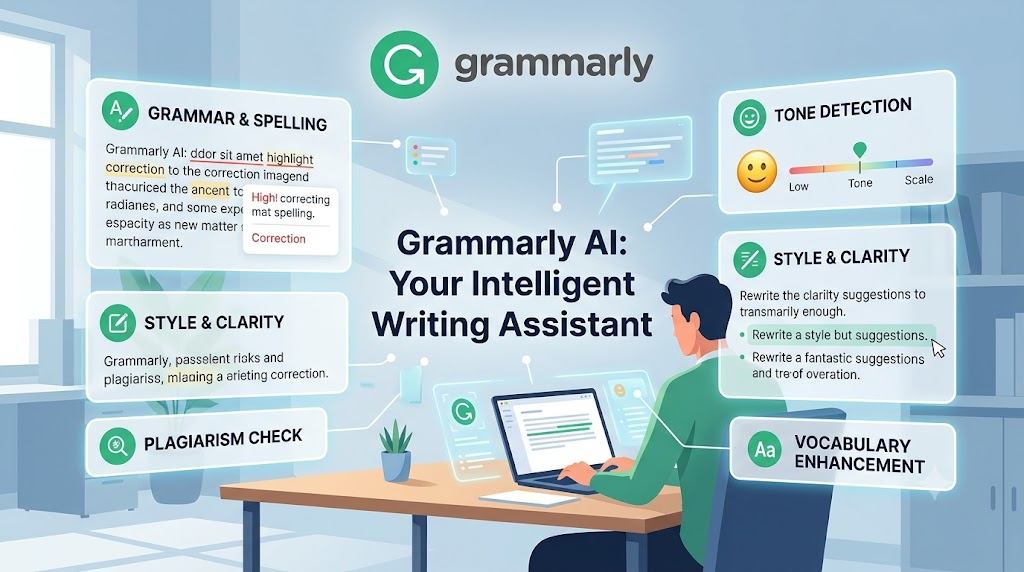
It works in the background. You write; it flags things quietly. Whether to change something is still your call — which matters more than it sounds, because the only way writing tools actually improve your writing is if you read the suggestions and understand why, rather than accepting them all and moving on. Accept everything blindly and you’ve outsourced your voice. Read them thoughtfully, and you gradually stop making the same mistakes.
“The students who benefit most from AI are the ones who treat it as a thinking partner, not an answer machine.”
03 · Notion AI — One Place for Everything Best for: students juggling multiple courses
Notion was already useful before AI came into it. Notes, task lists, project planning — all in one place, all connected. The AI layer makes it something more.
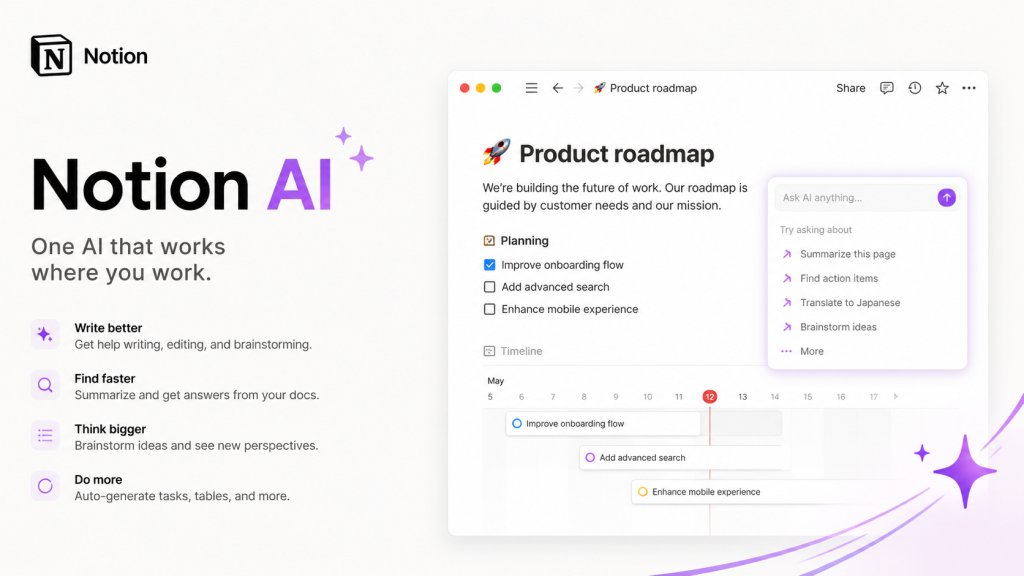
The most practical thing it does for students: summarize your own notes back to you. Not a generic summary of a topic — a summary of the notes you actually wrote, in the structure you chose. That’s different, and more useful, than any generic study guide. For exam prep especially, having AI compress three weeks of your own lecture notes into a focused review document is genuinely time-saving in a way that’s hard to replicate otherwise.
It also helps break projects into steps, which sounds small but isn’t. The hardest part of most assignments isn’t the work — it’s starting.
04 · Perplexity AI—Research You Can Verify Best for: research assignments, fact-checking
Here’s one of the things that’s frustrating about most AI research tools: They give answers that sound completely authoritative, but they don’t give you any way to verify that they’re genuine. Perplexity does something different — it cites its sources. Real, clickable quotes that you can follow.
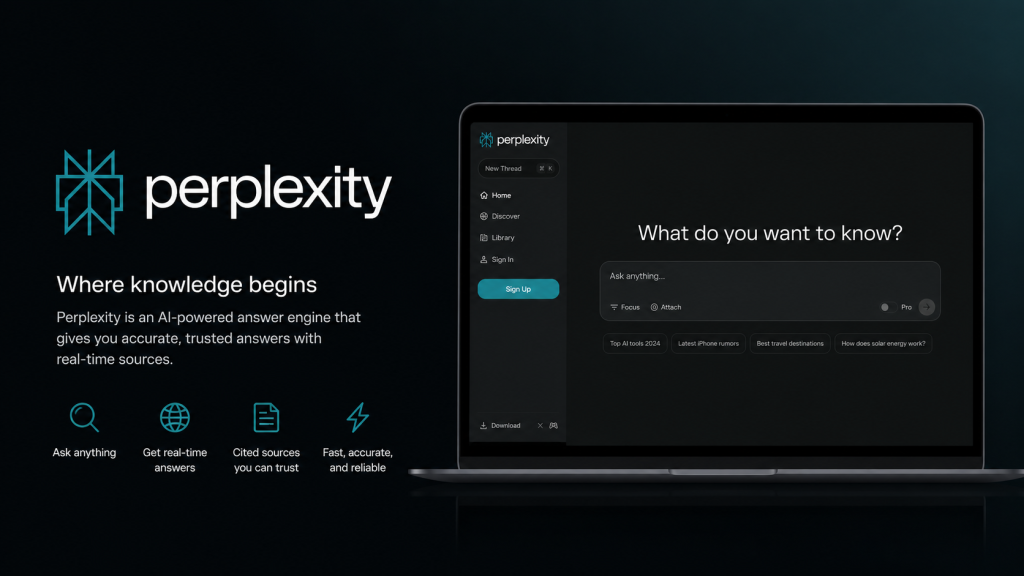
For academic work, this isn’t a secondary feature. It’s a core feature. That means Perplexity works best early in the research process, when you’re trying to identify a topic—to understand the key questions, identify the controversies, and figure out which sources are actually worth reading. Think of it as a guided gateway, not a conclusion-making tool. The conclusions, of course, are yours.
05 · Quizlet AI — Smarter Test Prep Best for: exam preparation, memorization-heavy subjects
Spaced repetition is one of the most thoroughly researched learning methods there is. The problem has always been setup time—making flashcards manually is tedious enough that most students skip it. Quizlet AI removes that friction: upload your notes, get a study set, and start drilling.
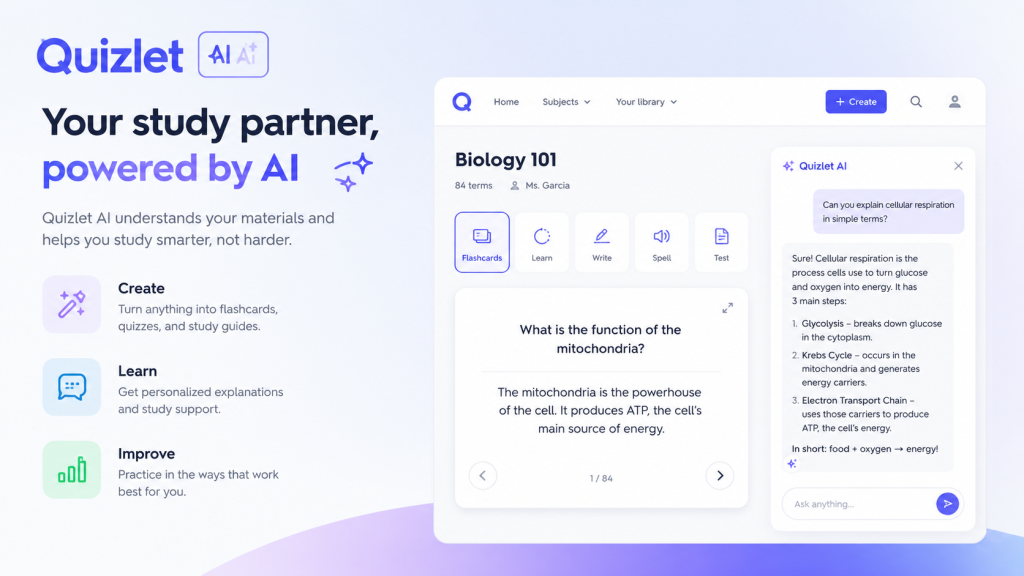
What makes it more than just automated flashcards is the adaptation. It tracks what you keep getting wrong and prioritizes those cards. Over time it’s not showing you what you already know—it’s spending time on what you don’t. For anything with heavy memorization — medicine, law, languages, history, any subject with a lot of vocabulary or facts — this pays off in real hours saved compared to passive rereading.
06 · Canva AI — Presentations That Don’t Look Like It Took You Five Minutes Best for: presentations, visual projects
Presentation design eats time disproportionate to how much it matters academically. Canva AI addresses that directly—it generates images, suggests layouts, and builds slides that look like someone made intentional choices even when the whole thing came together in an hour.

The image generator is worth calling out specifically. It creates custom visuals for your actual topic, which is more useful for academic presentations than generic stock photos that vaguely suggest “technology” or “teamwork.” For group projects — where one person always ends up doing all the design by default — Canva effectively eliminates that bottleneck. Everyone can contribute to the visual work.
07 · Otter.ai — Never Lose a Lecture Again Best for: lecture-heavy programs, seminars
Some students learn better by listening than by typing. For them, in particular, taking notes in real-time means listening to half the lecture while trying to write, which doesn’t create a good record or any real understanding. Otter solves this particular problem: it transcribes in real-time, creating a complete and searchable text record of every word spoken.
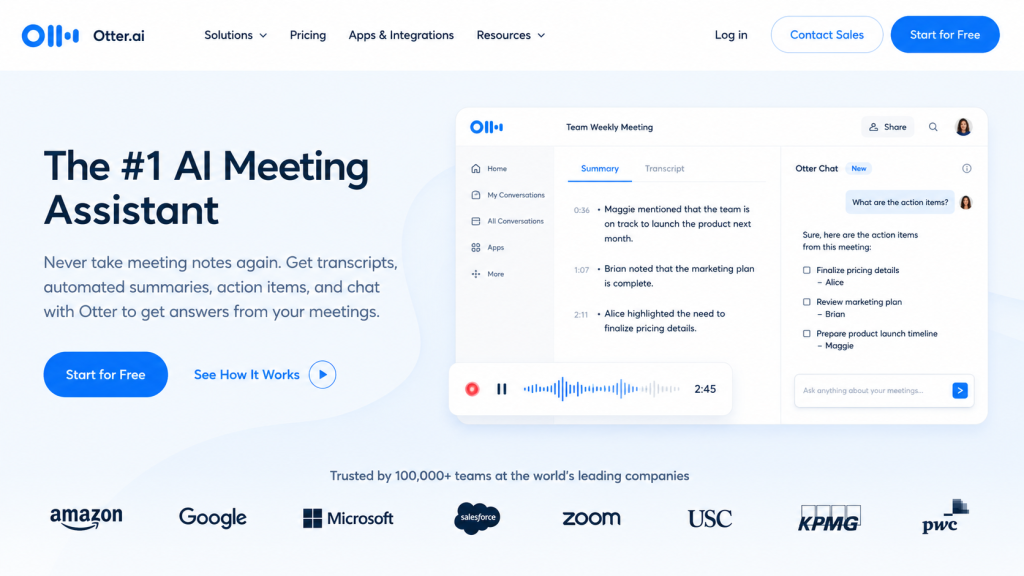
But in some cases the summaries it produces are inconsistent—they work well when the lectures are well-organized, and they fall apart when they’re not. But the transcription itself is reliable. And the ability to search your lecture notes by keyword before a test is actually a lot more useful than it might seem at first glance.
08 · Google Gemini — If You Live in Google’s World Best for: Google Docs and Drive users
Gemini’s real advantage is its context, not its capabilities. As a standalone AI, it’s comparable to other common tools. What it can do that others can’t: It can connect directly to Google Docs and search your Drive, which means it knows what you’re working on. When you need help with a paper, it can also reference your previously saved documents.
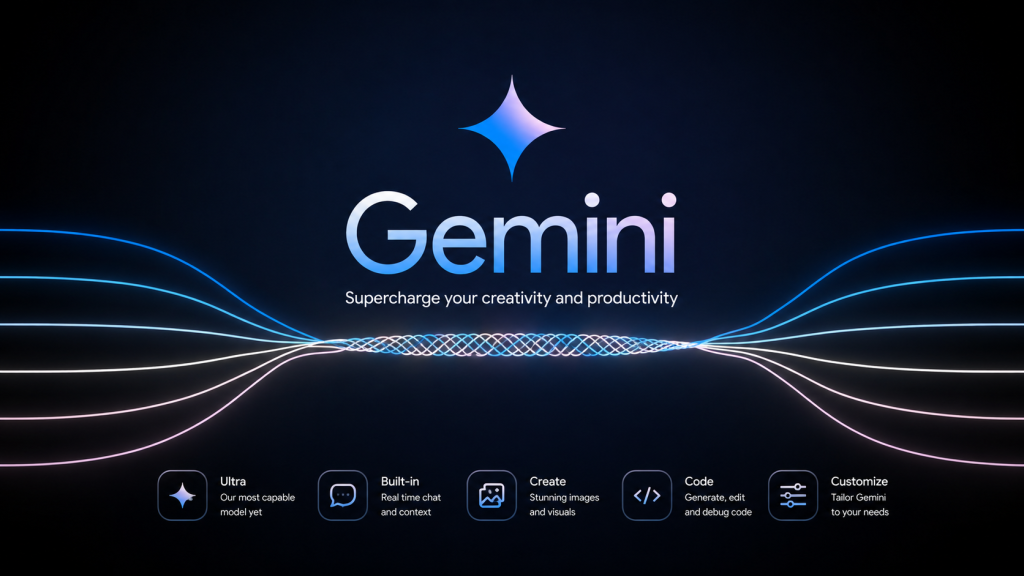
For students who are already using Google’s ecosystem — and most students are right now, because many institutions use Google Workspace — Gemini is the least-effort AI addition. No new workflows are required. It’s already there.
[Tips box] Using AI Without Losing Your Own Thinking
- Let AI explain something, then close it and explain it back to yourself. If you can’t, you didn’t actually learn it—you just read it.
- Verify citations before you cite them. Hallucinated sources are common, and they don’t look different from real ones.
- Use AI to challenge your arguments, not just confirm them. Ask it to steel man the opposing view.
- Check your institution’s academic integrity policies. They vary enormously, and many are still being written.
- The goal is understanding more, not just producing more. Those two things are not the same.
The Honest Conclusion
Something real has shifted. The tools available to students now are genuinely better than what existed even three years ago, and the gap between students using them thoughtfully and students not using them at all is going to keep widening.
But none of that changes the thing that actually matters: the tools don’t think. ChatGPT doesn’t know what your argument should be. Grammarly doesn’t know what you’re trying to say. Perplexity gives you sources—reading them and deciding what they mean for your work is still entirely on you. The students getting the most out of AI are the ones who bring their own judgment to it. Who knows when to push back, when to verify, when to just close everything and write?
Start with one tool. The one that solves the most pressing problem in your actual coursework right now. Learn it properly. Then maybe add another. The students who struggle with AI tend to have ten tools open and use none of them particularly well. The ones who thrive pick a few things, use them consistently, and stay in charge of what they’re producing.
FAQ
Which AI tool is actually the most useful for students overall? ChatGPT, for most people, most of the time — because it covers the widest range of tasks without requiring a specialized workflow. That said, if research is a big part of your coursework, Perplexity deserves equal billing. The source citations change how trustworthy the output is for academic purposes.
Are these tools free for students? Most of them have genuinely usable free tiers. ChatGPT, Grammarly, Perplexity, Quizlet, Canva — all free at the base level, with paid upgrades for higher limits or advanced features. It’s also worth checking with your institution before paying for anything. A surprising number of schools have negotiated free or discounted access through educational licensing.
Is using AI for schoolwork allowed? Depends entirely on the institution, the course, and sometimes the specific assignment. Some schools actively encourage it; others treat any AI use as an integrity violation. The policies are still being written in many places, which makes this genuinely confusing. When in doubt: ask the instructor directly. Disclosing that you used AI and how is almost always better than hoping it doesn’t come up.
Can AI actually help with exam preparation? Yes — and this is one of the uses where AI genuinely supports learning rather than bypassing it. Quizlet for adaptive drilling, ChatGPT for practice questions and explanations, and Notion AI for condensing your own notes. None of those require you to shortcut the understanding. They just make the preparation more efficient.
What’s the risk of relying too heavily on AI tools? The slower development of skills that matter beyond university. Constructing an argument. Researching independently. Writing through difficulty. Reading carefully. These things get worse if you outsource them, and the deterioration is gradual enough that you might not notice until you’re in a setting — a job, a high-stakes presentation, an interview — where there’s no AI available and the quality of your thinking is the whole point.
What’s the best AI tool specifically for improving writing? Grammarly for surface-level polish and mechanics. ChatGPT for structural feedback, argument development, and getting unstuck when you don’t know what you’re trying to say. The combination that actually works: write a draft in your own voice, then use ChatGPT to interrogate the argument, and then run Grammarly on the final version. In that order. Not the other way around.
Best AI Tools for Students · 2026 Edition — For educational purposes · Verify all AI outputs