Ever snapped a photo on your iPhone and felt it lacked that professional edge—crisp details, balanced lighting, and zero grainy noise? You’re not the only one. Smartphone cameras are convenient, but they often fall short of the quality you get from dedicated cameras. What if you could bridge that gap without spending a fortune on gear?
Adobe has introduced Project Indigo, a powerful, completely free camera app from Adobe Labs that’s turning heads in the mobile photography world. Powered by advanced computational photography, it brings DSLR-style natural looks and exceptional image quality right to your iPhone—no subscriptions, no Adobe account required.

The Brains Behind the App: Meet Marc Levoy
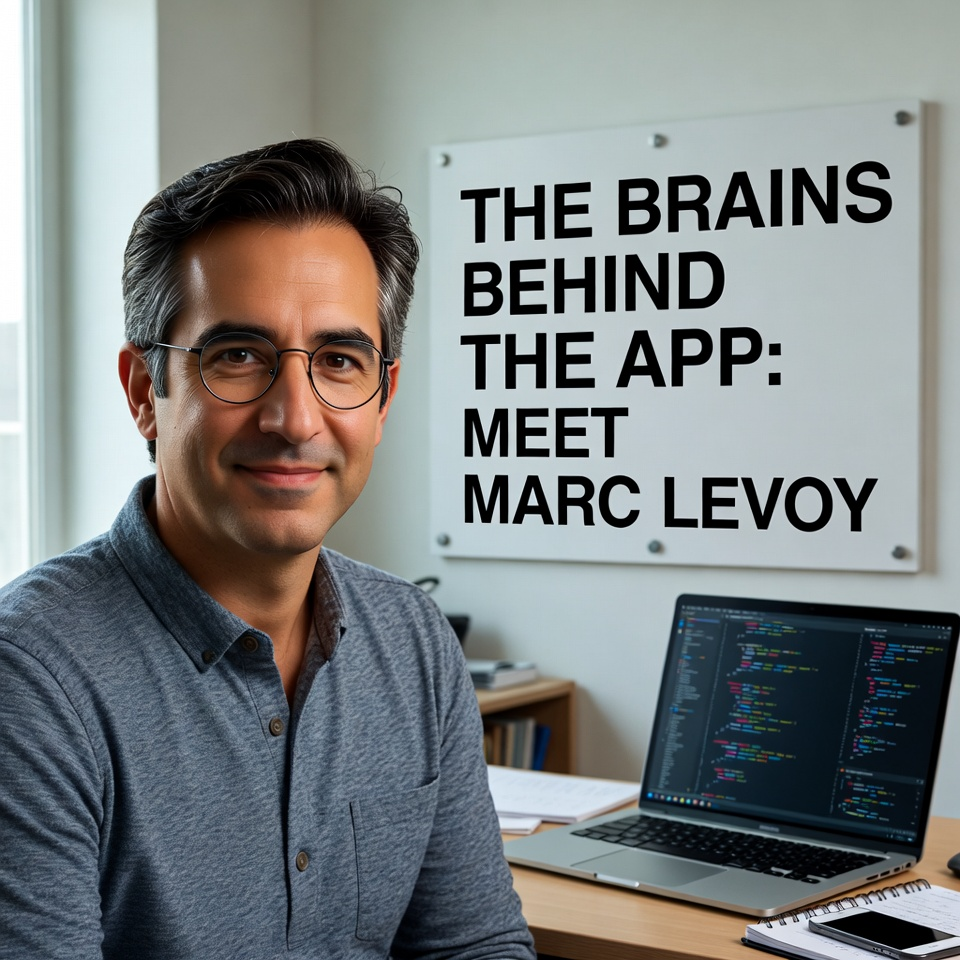
The excitement around Project Indigo stems largely from one name: Marc Levoy. As a former Google distinguished engineer, Levoy was instrumental in the computational photography magic that made Google Pixel phones famous for their stunning low-light shots, HDR prowess, and realistic portraits.
Now an Adobe Fellow, Levoy leads the team bringing that expertise to iOS. Alongside Principal Scientist Florian Kainz and the Nextcam group, they’ve crafted Indigo as an experimental “universal camera” app that pushes mobile imaging forward.
How Project Indigo Transforms Your iPhone Photography

At its core, Indigo uses computational photography—smart software that captures a rapid burst of images every time you hit the shutter and merges them intelligently.
This approach delivers real advantages:
- Reduced Noise: Low-light shots stay clean and detailed, without the grainy mess common in standard iPhone photos.
- Expanded Dynamic Range: It balances bright highlights (like skies) and deep shadows seamlessly for natural, HDR-like results without looking overprocessed.
- Natural, SLR-Like Aesthetic: Unlike many apps that apply heavy filters, Indigo prioritizes true-to-life colors, tones, and sharpness that mimic professional cameras.
For hands-on creators, it includes full manual controls—adjust focus, shutter speed, ISO, white balance, and more. You can shoot in JPEG for instant sharing or raw DNG files for maximum editing flexibility in apps like Lightroom.
Recent updates have added features like AI-powered reflection removal (great for shooting through windows), super-resolution upscaling for better zoom, and improved support for newer models like iPhone 17 series.


Getting Started with Project Indigo Is Easy
- 100% Free: Download with no in-app purchases or paywalls.
- No Login Needed: Skip the Adobe account hassle—just install and shoot.
- Compatibility: Works on iPhone 12 Pro and later, plus non-Pro models from iPhone 14 onward. For the smoothest experience, use an iPhone 15 Pro or newer.
- Where to Download: Head straight to the App Store: Project Indigo.
It’s an experimental app from Adobe Labs, so expect ongoing updates as the team gathers feedback.
Looking Ahead: The Future of Mobile Photography
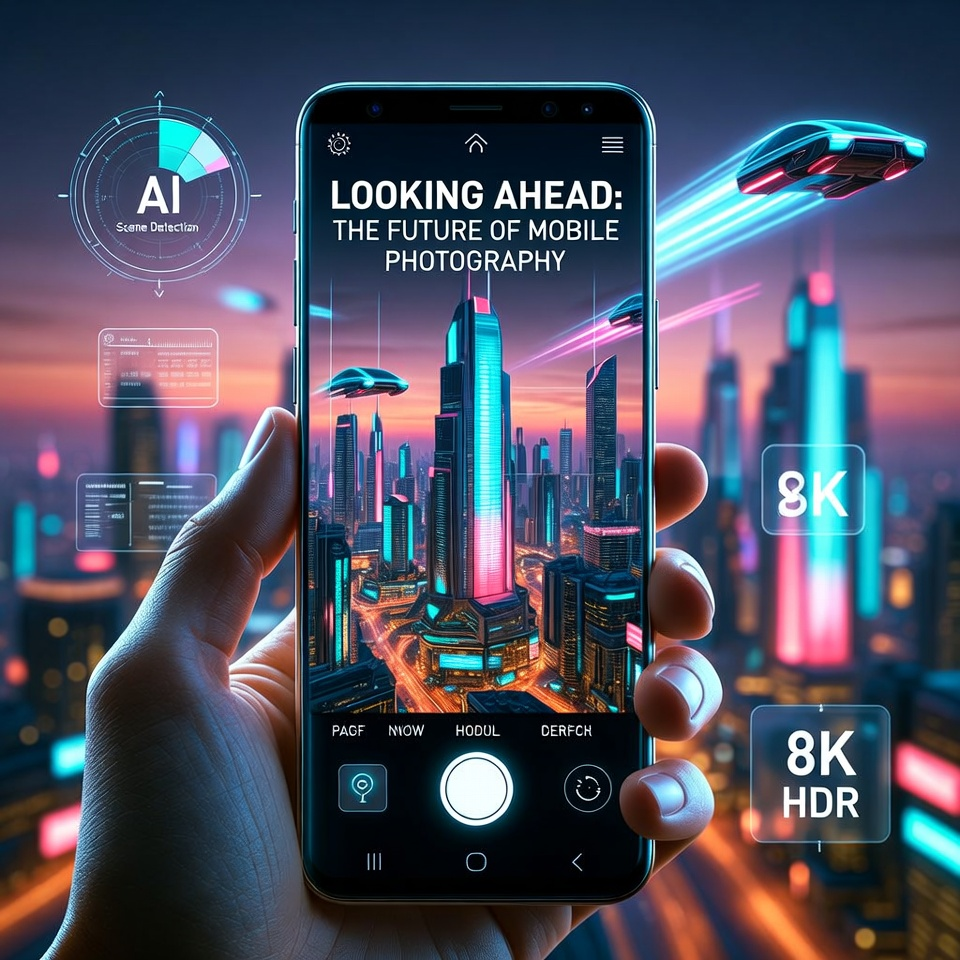
Project Indigo serves as a testing ground for innovations that could enhance Adobe’s bigger tools like Lightroom and Photoshop. The roadmap includes an Android version, dedicated Portrait Mode, video support, and more advanced AI tools.
As Levoy and the team describe it, this is just the start of blending seamless capture and editing on mobile devices.
Who Should Try Project Indigo?

- Casual Shooters: Get effortless, high-quality photos with a natural vibe for social media, travel, or everyday moments.
- Serious Photographers: Enjoy pro-level controls and raw output for detailed editing workflows.
- Tech Lovers: Experiment with cutting-edge features like reflection removal and multi-frame processing.
If you’ve ever wished your iPhone could punch closer to a dedicated camera’s weight class, Project Indigo is worth a download.
Conclusion
Adobe’s Project Indigo stands out as a generous, no-strings-attached gift to iPhone photographers. By combining Marc Levoy’s expertise with clever computational tricks, it delivers cleaner, more natural images that feel genuinely professional. Whether you’re upgrading your daily snaps or exploring advanced techniques, this free app could redefine what your iPhone camera is capable of. Give it a try—you might find your new go-to shooter.
FAQ
What is Project Indigo? It’s a free experimental camera app from Adobe Labs for iPhone, focused on computational photography for natural-looking, high-quality photos with manual controls.
Is Project Indigo really free? Yes—completely free with no subscriptions, purchases, or Adobe account required.
Which iPhones support Project Indigo? It runs on iPhone 12 Pro/Pro Max and later Pro models, plus iPhone 14 and newer non-Pro models. Best performance on iPhone 15 Pro or later.
Does it support raw photos? Yes, you can capture in DNG raw format alongside JPEG for extensive post-editing.
What makes Indigo different from the stock iPhone camera? It uses multi-frame bursts for superior noise reduction, dynamic range, and a more natural “SLR-like” look, plus full manual controls and unique tools like reflection removal.
Is there an Android version? Not yet, but the team has mentioned plans to develop one in the future.
Can I use it for video? Currently focused on still photography; video capabilities are planned for future updates.